For Montessori teachers
Nessa helps you
The calm, all-in-one companion that handles the busywork, so you can stay present with the children.
How Nessa in your chat works →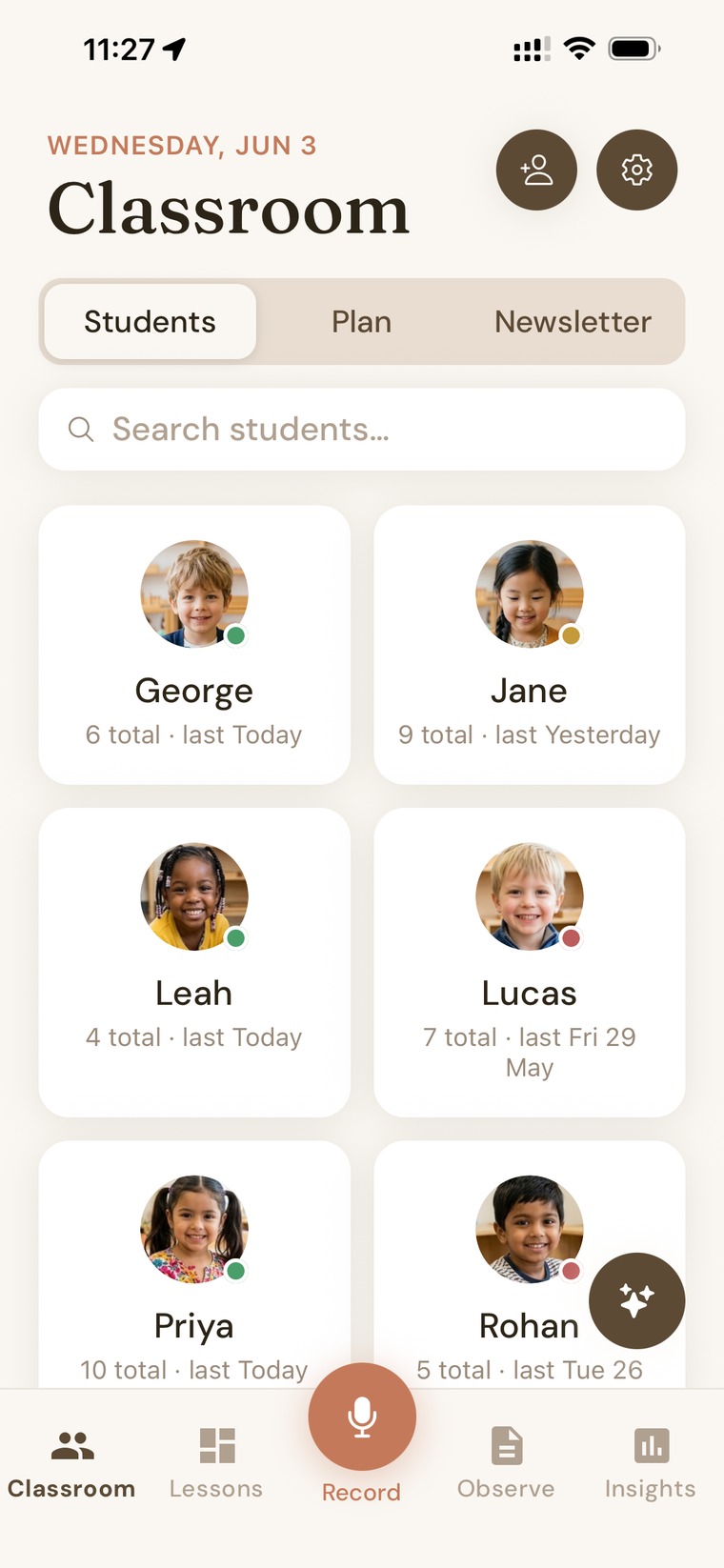
The calm, all-in-one companion that handles the busywork, so you can stay present with the children.
How Nessa in your chat works →Nessa follows the rhythm of your classroom, gently, in the background.
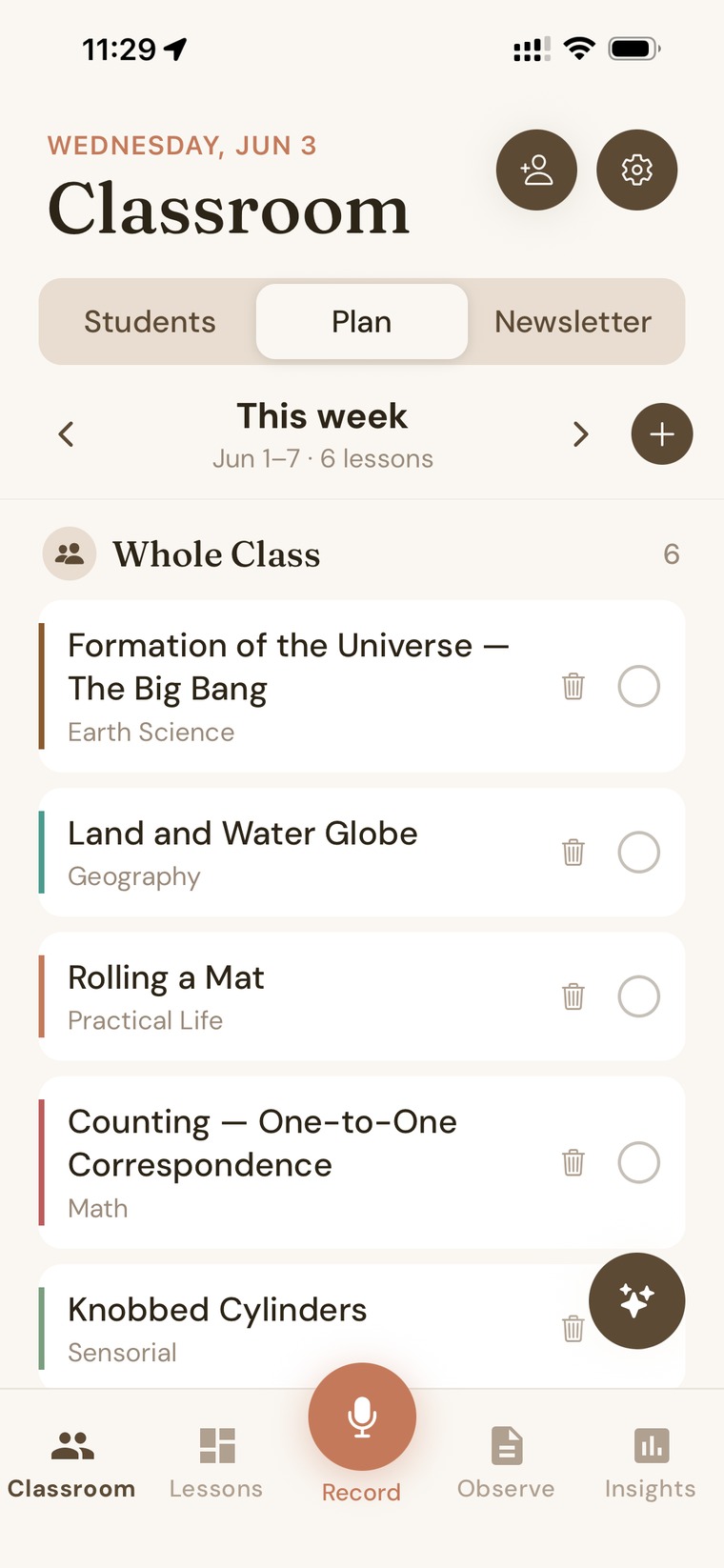
Map what's coming up, lean on a complete Montessori curriculum, and see the next step for every child, all in one calm view.
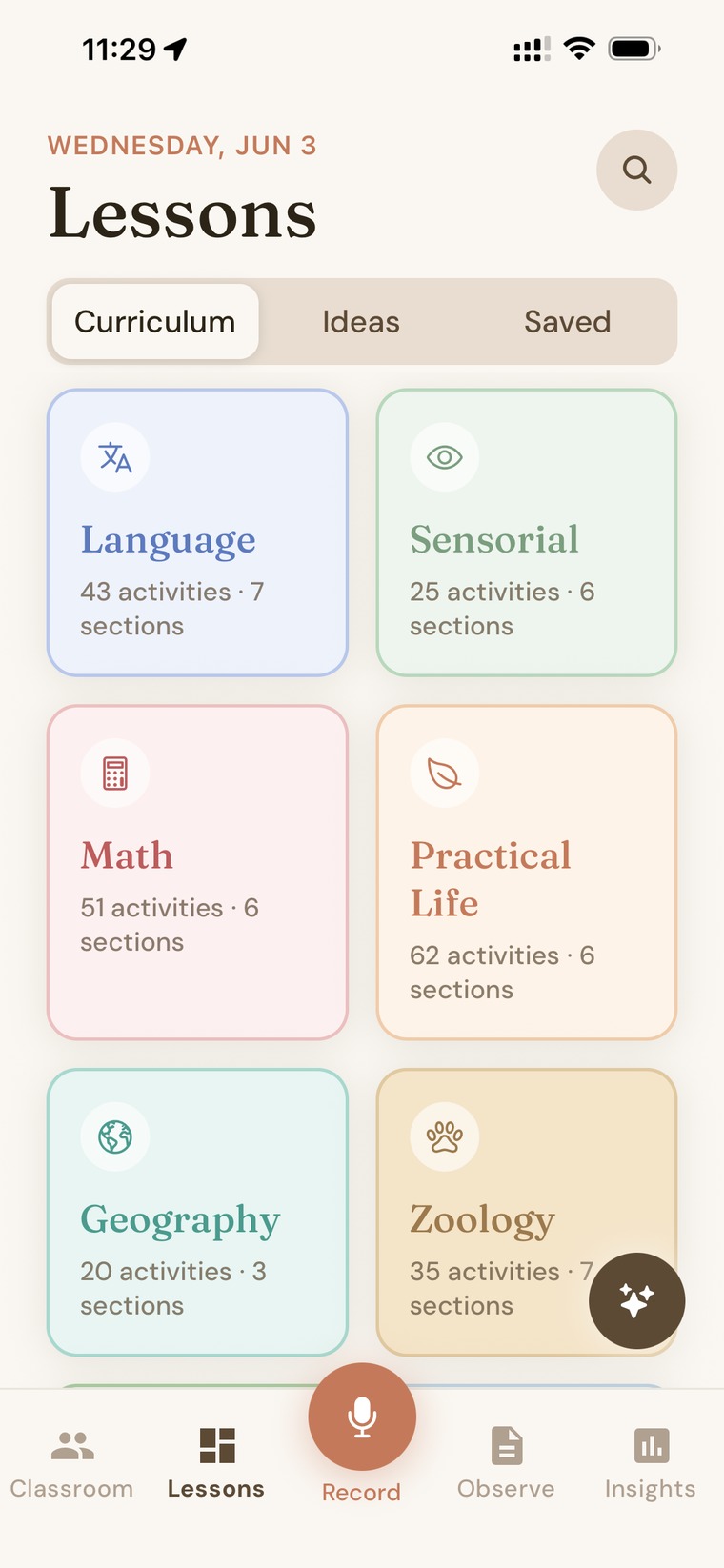
Browse the full Montessori curriculum across every area, or ask Nessa for a fresh lesson on anything, with printable materials ready to go.
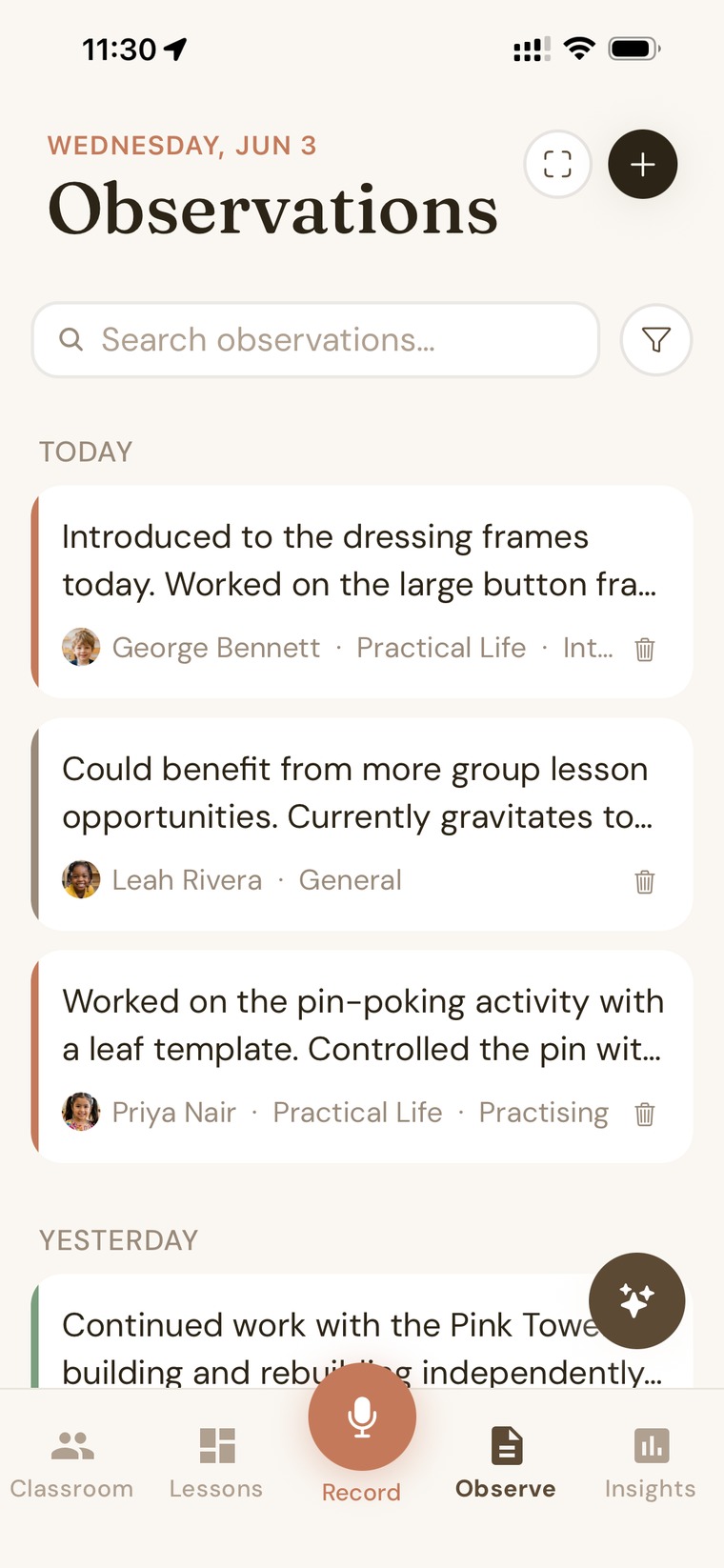
Jot, speak, snap a photo, or scan your paper sheet. An observation takes seconds, even from across the room.
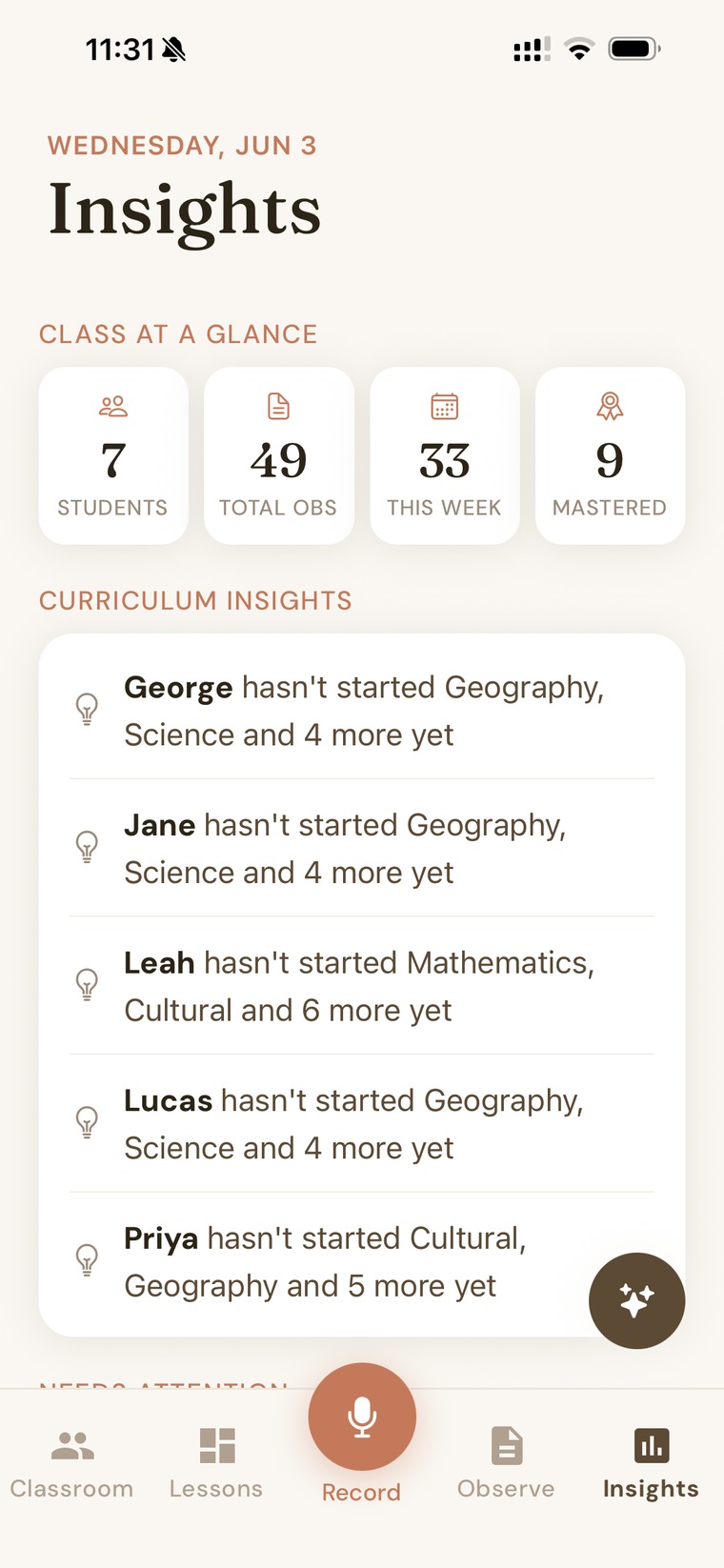
Nessa surfaces who's thriving, who could use a nudge, and exactly where the curriculum gaps are, across your whole class.
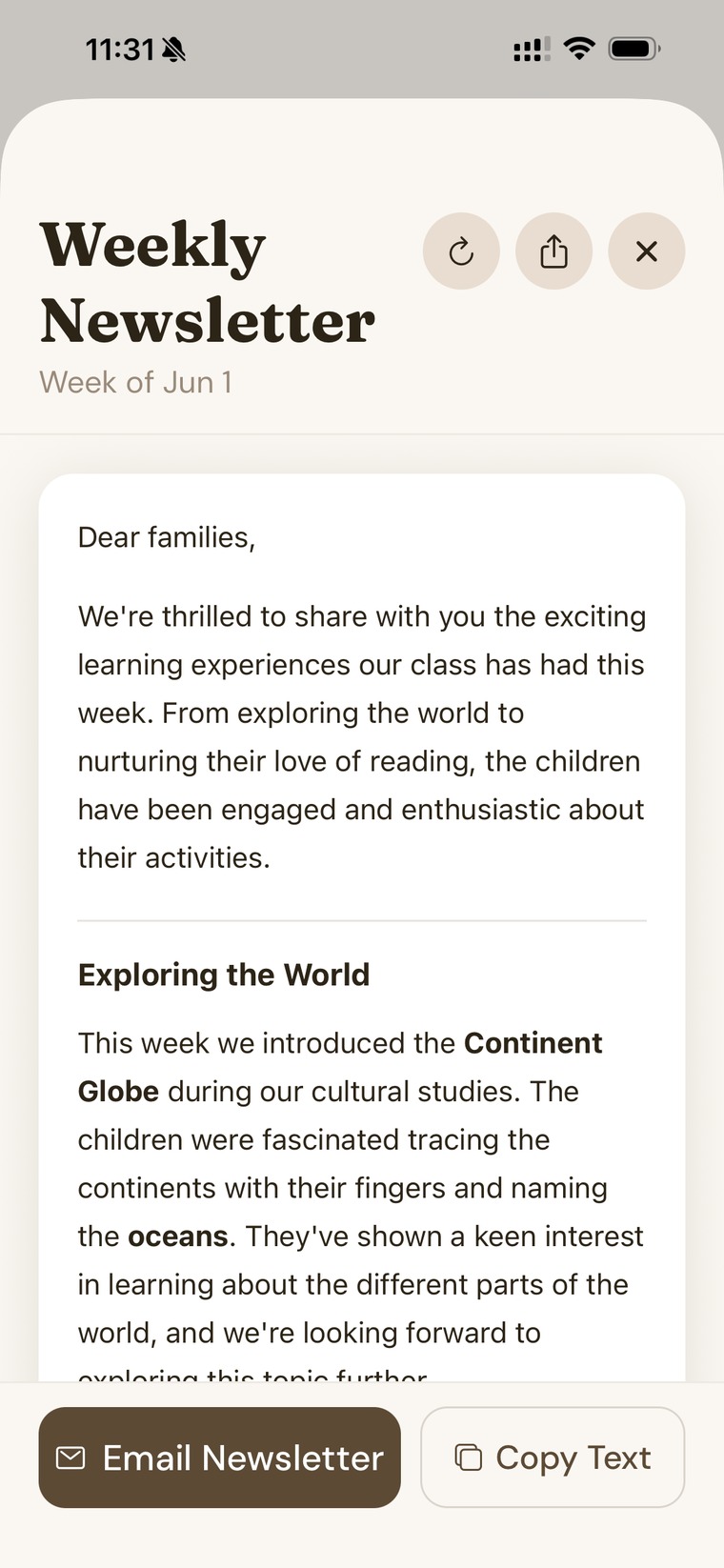
Warm parent newsletters and per-child summaries, drafted in your voice in seconds, ready well before conference night.
Woven through every step is Nessa's AI. Ask it anything, record an observation by voice, scan a paper sheet, or let it draft the newsletter. It handles the typing and the tidying, so you can stay with the children.
Built privacy-first: your classroom data stays yours, and children's names are protected before anything is processed.
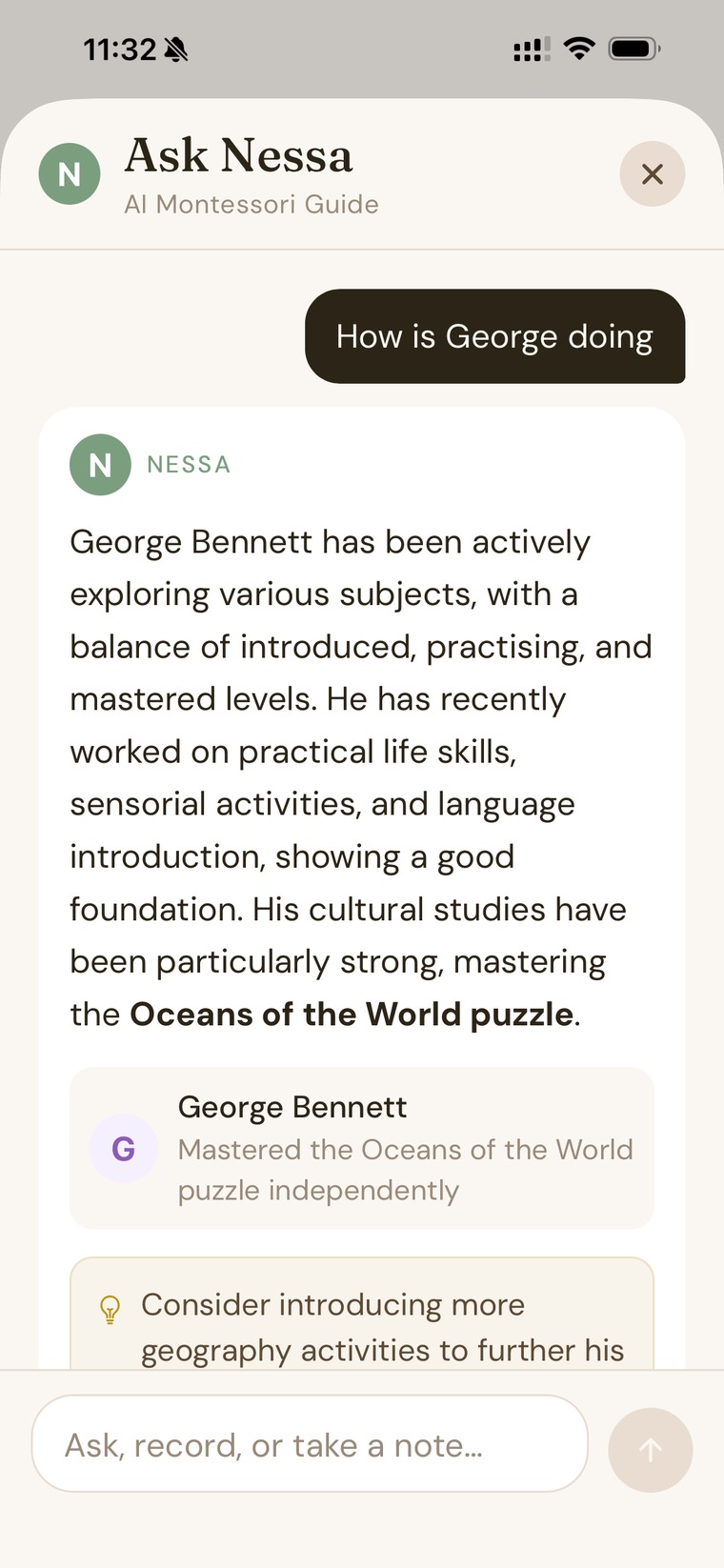
Talk to Nessa in Grok the way you'd tell a colleague. Add children, note what you saw, plan the week, save a newsletter moment, even set a child's photo. Everything goes straight into your Nessa app and the website, in your own words.
Your classroom stays private to you, and you can disconnect the chat anytime in Settings on the website. How we handle your data
Free to start. Spend less time on paperwork and more time with the children.